- Photo to Sketch
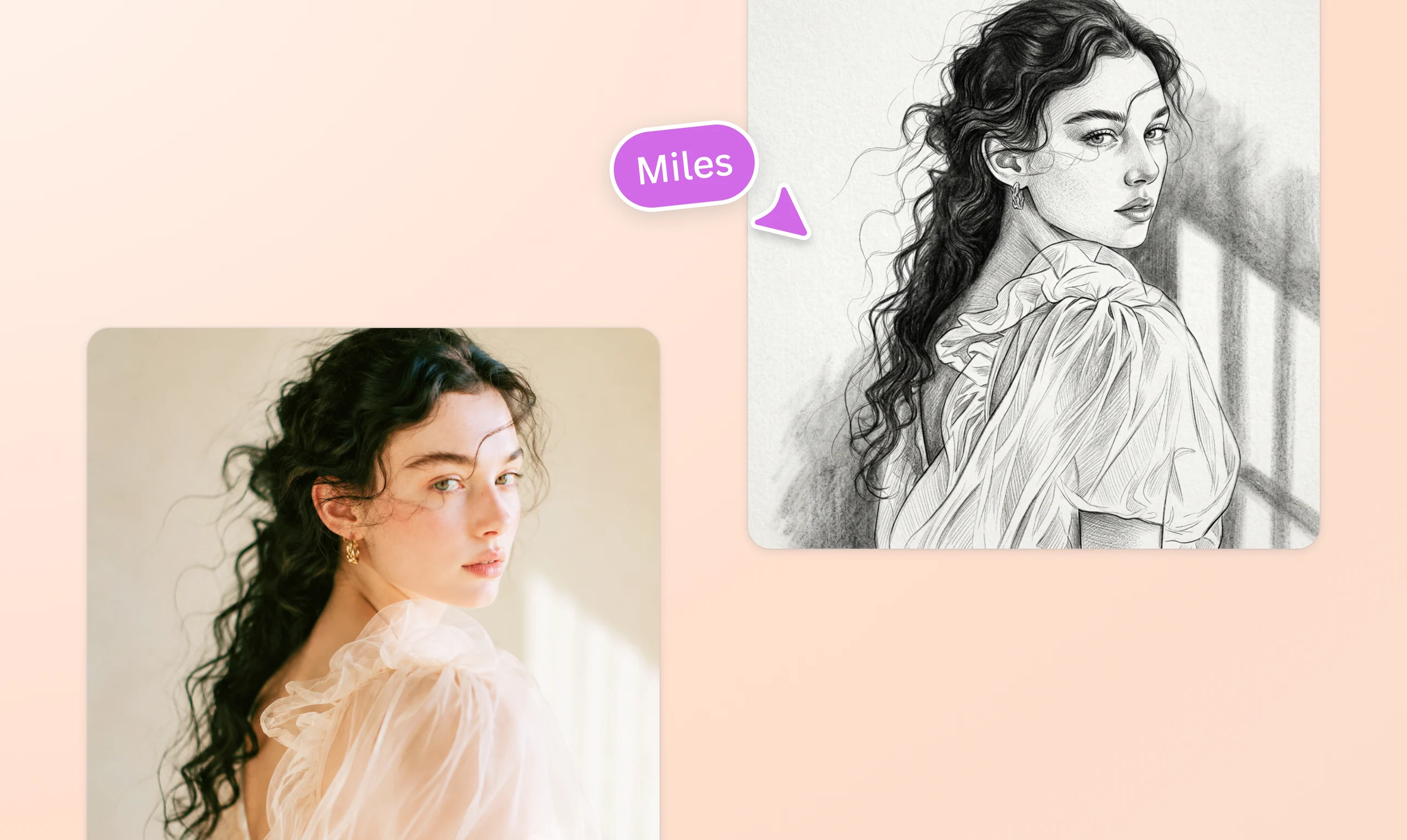
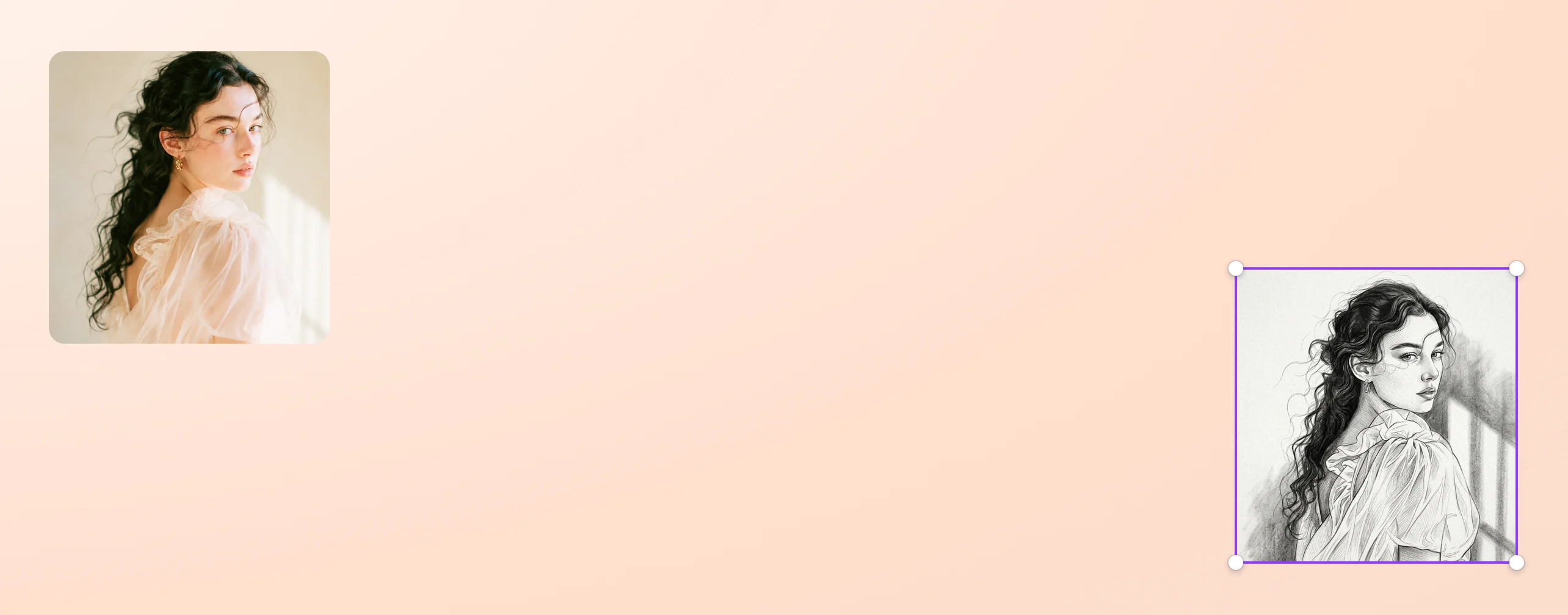
Turn photos to stunning sketches in seconds
Bring your artistic vision to life using the photo to sketch tool on Canva. With the click of a button, turn an ordinary image into an unforgettable drawing worth sharing with others.
or drop it here
Learn about Canva's upload formats and requirements. See how we use your content in our Privacy Policy.
Unleash your inner artist without holding a pencil

No drawing experience? No problem. With Canva’s photo-to-sketch feature, you can instantly create a hand-drawn illustration from an image without spending on additional software. See your sketch come to life within seconds and marvel at its intricate details.
Put a unique stamp on your sketches

Canva’s easy-to-use editor lets you customize a converted sketch even further. Inject your personality by adding curved text(opens in a new tab or window) around the drawing. Drag and drop free icons(opens in a new tab or window) and elements from our vast media library. Insert a watermark(opens in a new tab or window) to associate the illustration with your business. There are countless ways to make the sketch distinctly yours.
One photo, endless directions

First sketch not quite right? Hit Regenerate to nudge the style further. Try softer lines for a gift portrait, bolder strokes for a moody profile picture, or a cleaner outline for a coloring page. Making a caricature of your pet? Try finer details around the fur and eyes. Working from a landscape shot? Push for looser, sweeping strokes that capture the scenery. Keep adjusting until the sketch matches your vision.
Share your modern masterpieces

A work of art is incomplete unless it’s seen and appreciated by others. Our online platform enables your image to sketch designs to be viewed, commented on, or edited by multiple users. Print, frame, and give away custom sketches as home decor gifts. Publish them on your social accounts to increase brand engagement. Or launch an on-ground marketing campaign using the nuanced outline sketches.
How to turn a photo into a sketch


Frequently asked questions
- Sketching a face from a photo need not be a complicated process. You don’t need to have artistic skills or invest in expensive software. With our free, online photo to sketch tool, you can easily convert a person’s profile picture into a beautiful and realistic illustration.
- The sketch filter or effect mimics the pencil drawing technique. It converts photos into black and white sketches, giving importance to light, shadow, texture, and proportion. This drawing filter lends an analog, nostalgic feel to any image.
- The sketch effect can be used for a wide array of personal and professional projects. Art enthusiasts can get inspiration from various sketch styles and present them as DIY gifts. Social media users and digital content creators can give an artistic twist to their posts by featuring photo to sketch outlines. Brands and business owners can craft sketches to be featured on stickers, banners, packaging, and other materials.

@curlyfrosista