Free PNG to GIF Converter
or drop it here
Learn about Canva’s upload formats and requirements. See how we use your content in our Privacy Policy.
Transform static PNGs into lively GIFs with Canva’s free PNG to GIF converter. String multiple images to create a dynamic asset, and easily add visual appeal to your website or social media page.
How to convert PNG to GIF
1
Upload your PNG
Select the “Upload your image” button or easily drag and drop your files into the section.
2
Edit your design
Make some quick touch-ups on your PNG file using our beginner-friendly editor.
3
Download your design
Finally, convert from PNG for free by downloading your design as a GIF.
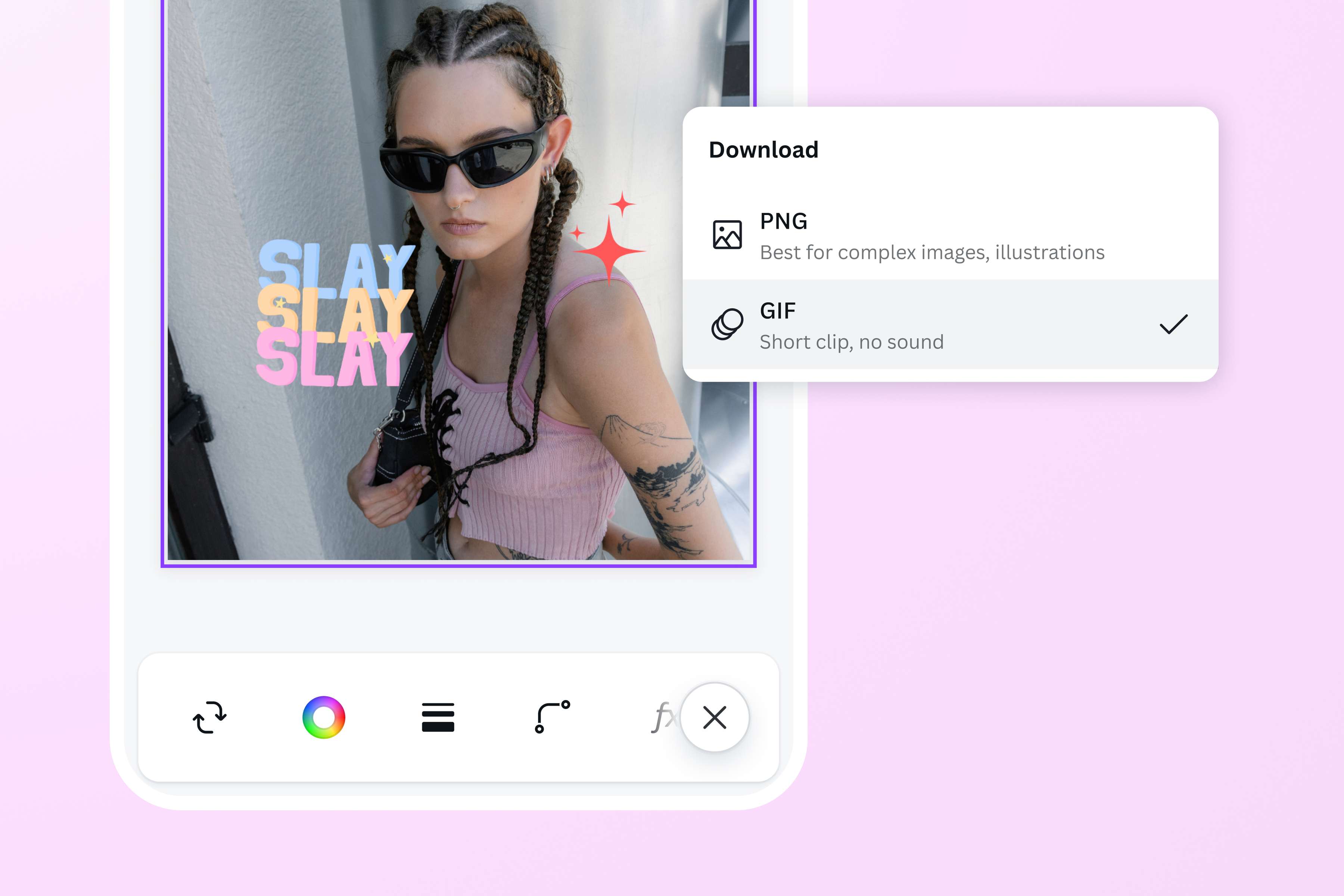
Instantly change PNG files to GIFs
Create high-quality GIFs with ease using our PNG to GIF converter. It’s as simple as uploading your photos on the editor, organizing them however you like, then downloading your design as a GIF. In seconds, you’ll have a personalized GIF that you can share straight from our editor. Perfect for budding content creators, marketers, and social media specialists.
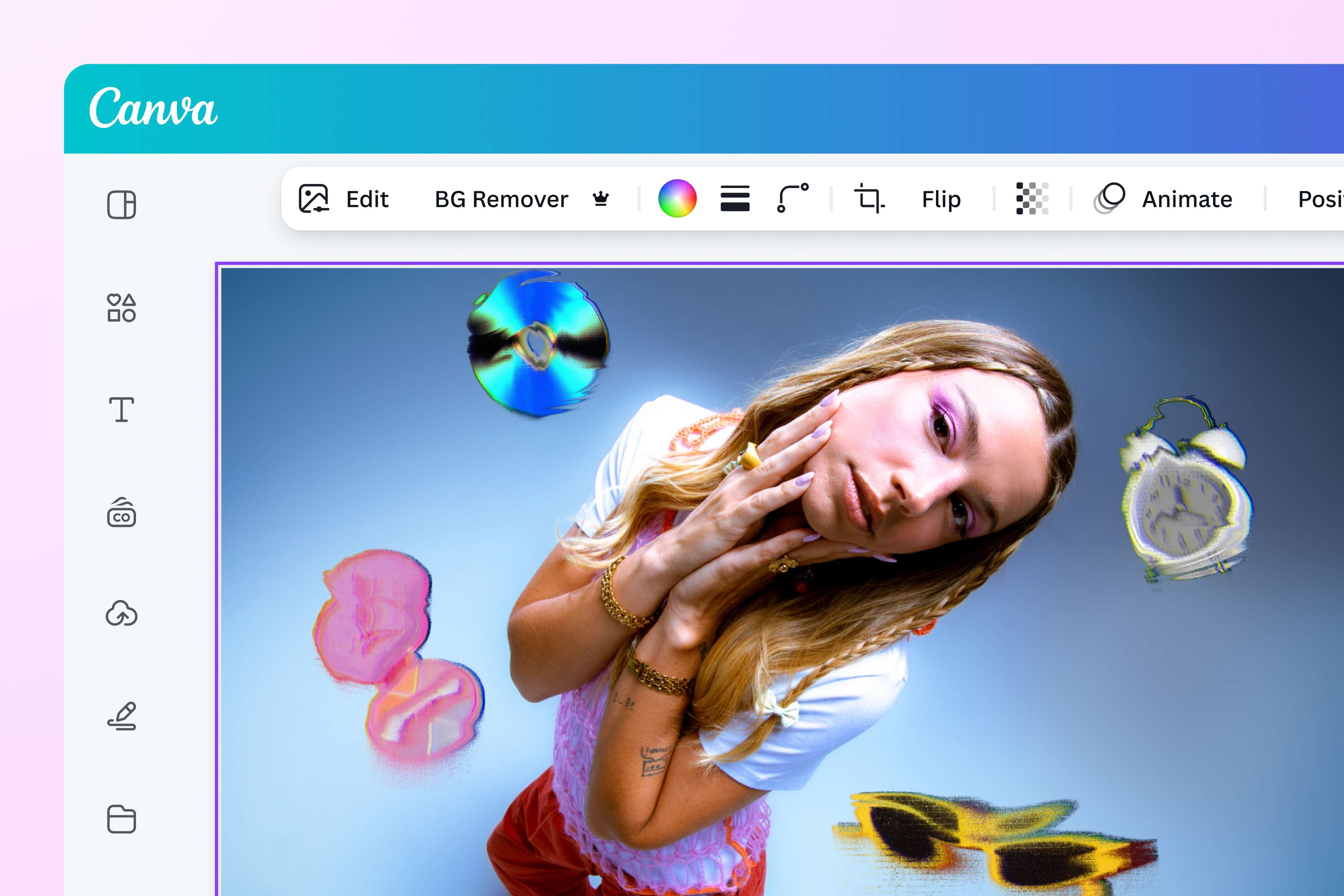
Make custom GIFs for every project
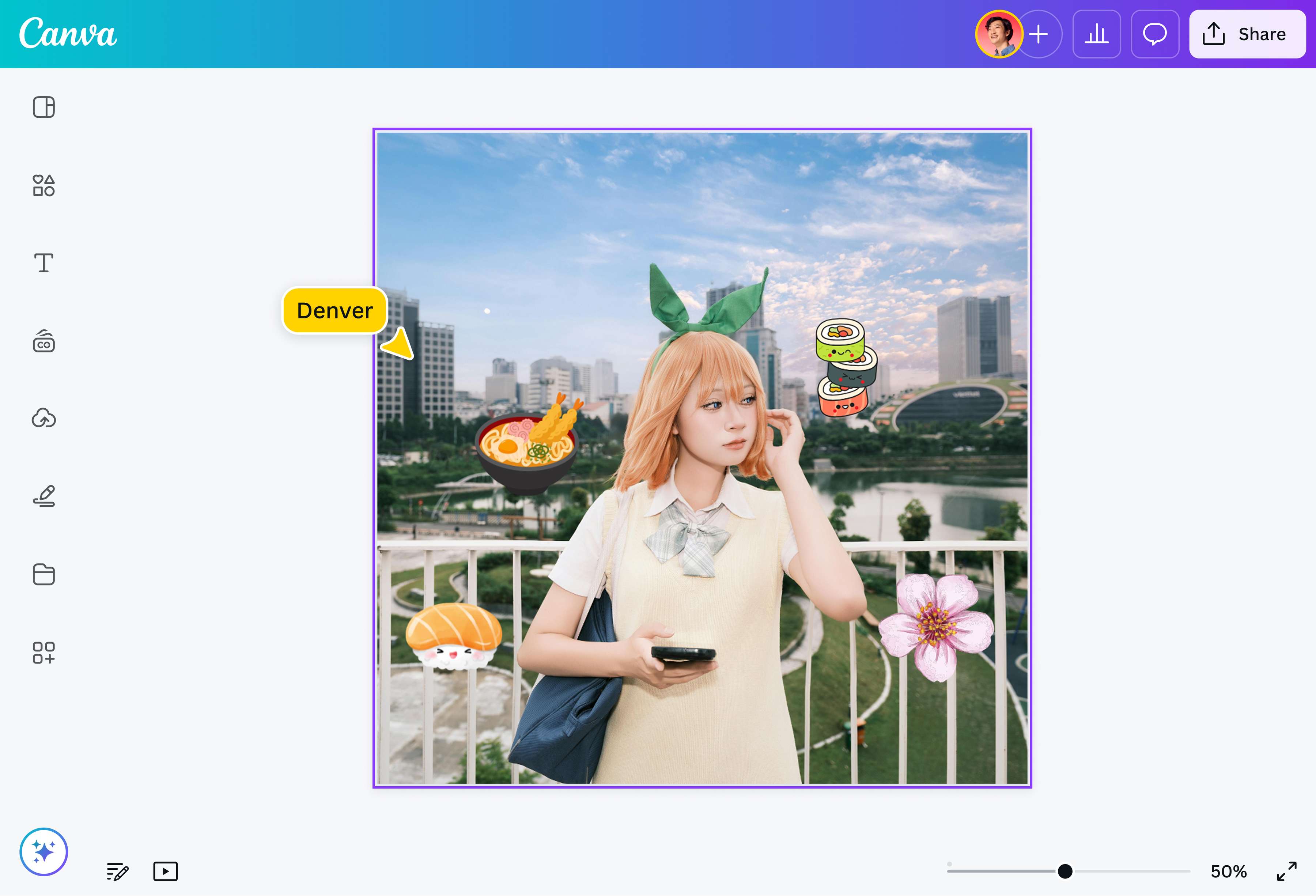
Can't find the perfect meme to announce a new service you're offering, or a unique countdown timer for the launch of your new product? Make one using Canva's PNG to GIF converter! Create custom GIFs in a flash with our extensive media library, intuitive photo editor, and eye-catching photo animations—no design skills needed.
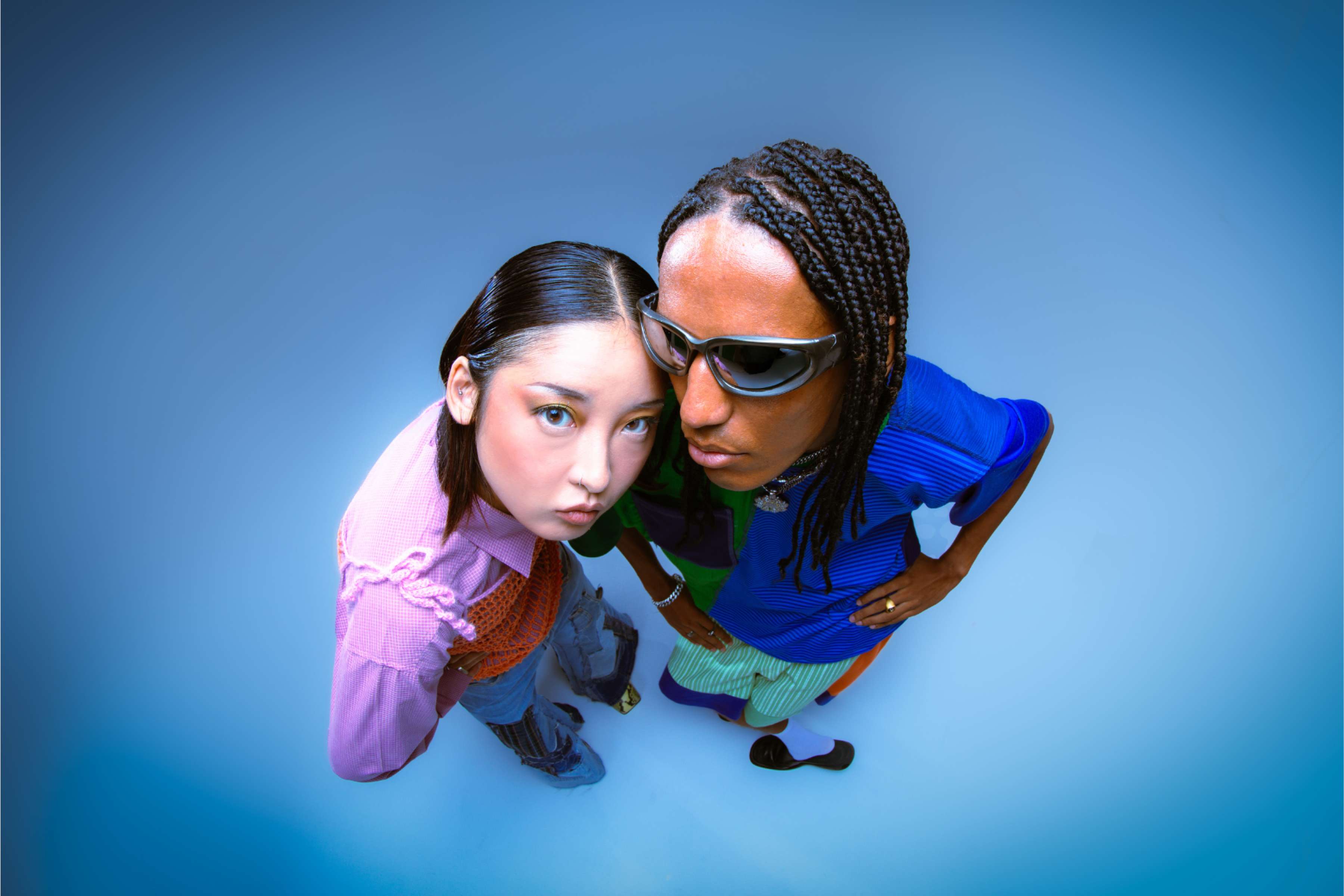
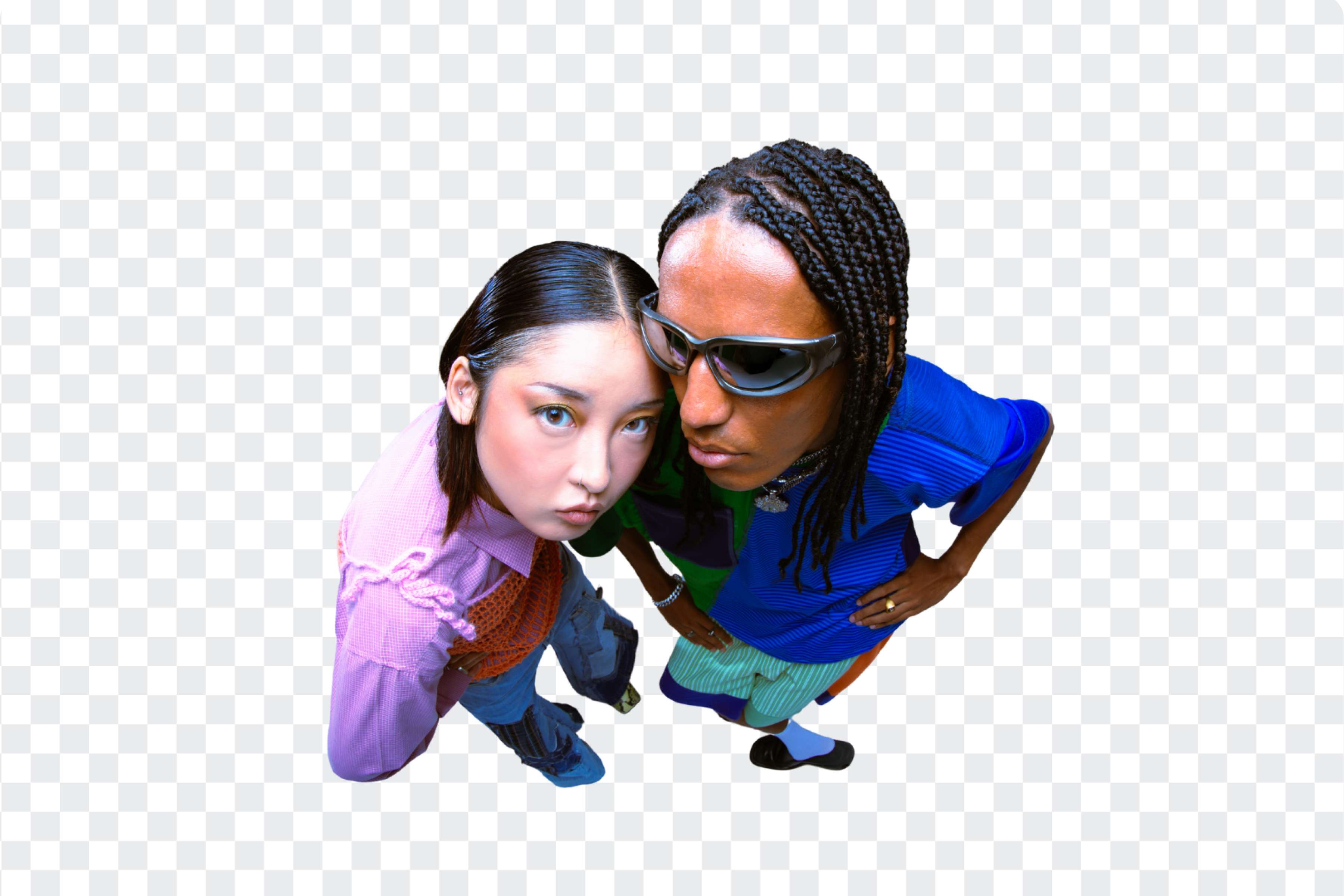
Enhance your design with AI-powered tools
Take your GIF to the next level with the help of our AI-powered tools. Remove cluttered backgrounds in one click with our Background Remover (Pro), or erase unwanted image elements with the Magic Eraser (Pro). You can even use Magic Edit (Pro) to transform your PNGs, unpixelate images, or unblur photos for sharper results. With Canva, it only takes a few clicks to create stunning, scroll-stopping GIFs.
How to convert PNG to GIF
Open Canva
Launch the Canva app on your phone or on a web browser to start a design project.Upload PNG
Upload the PNG files by clicking Upload or by dragging and dropping them into the editor. You can also use any of the stock photos in our extensive library.Edit and customize
Edit your PNG file with our photo editor and AI-powered tools. You can crop and add filters to your images, or even insert animations to make them more engaging.Convert PNG to GIF
Once you’re happy with your design, turn the PNGs to a GIF by clicking Share, then Download. Select GIF as your file type.Share your GIF
After downloading your GIF, you can add it to emails, web pages, or even presentations. You can also share your GIF straight to your social media accounts from Canva.
Frequently asked questions
A PNG is a static, high-quality image with transparency that’s often used for projects where image quality preservation is essential, like logos, icons, and graphics on web page backgrounds.
A GIF, on the other hand, is a simple animation that usually has lightweight graphics. They are often used for projects that need dynamic images, and when the creator needs to make the image more compatible with older browsers. Additionally, GIFs can be used as a fun addition to different projects.