Online Photo Cutter
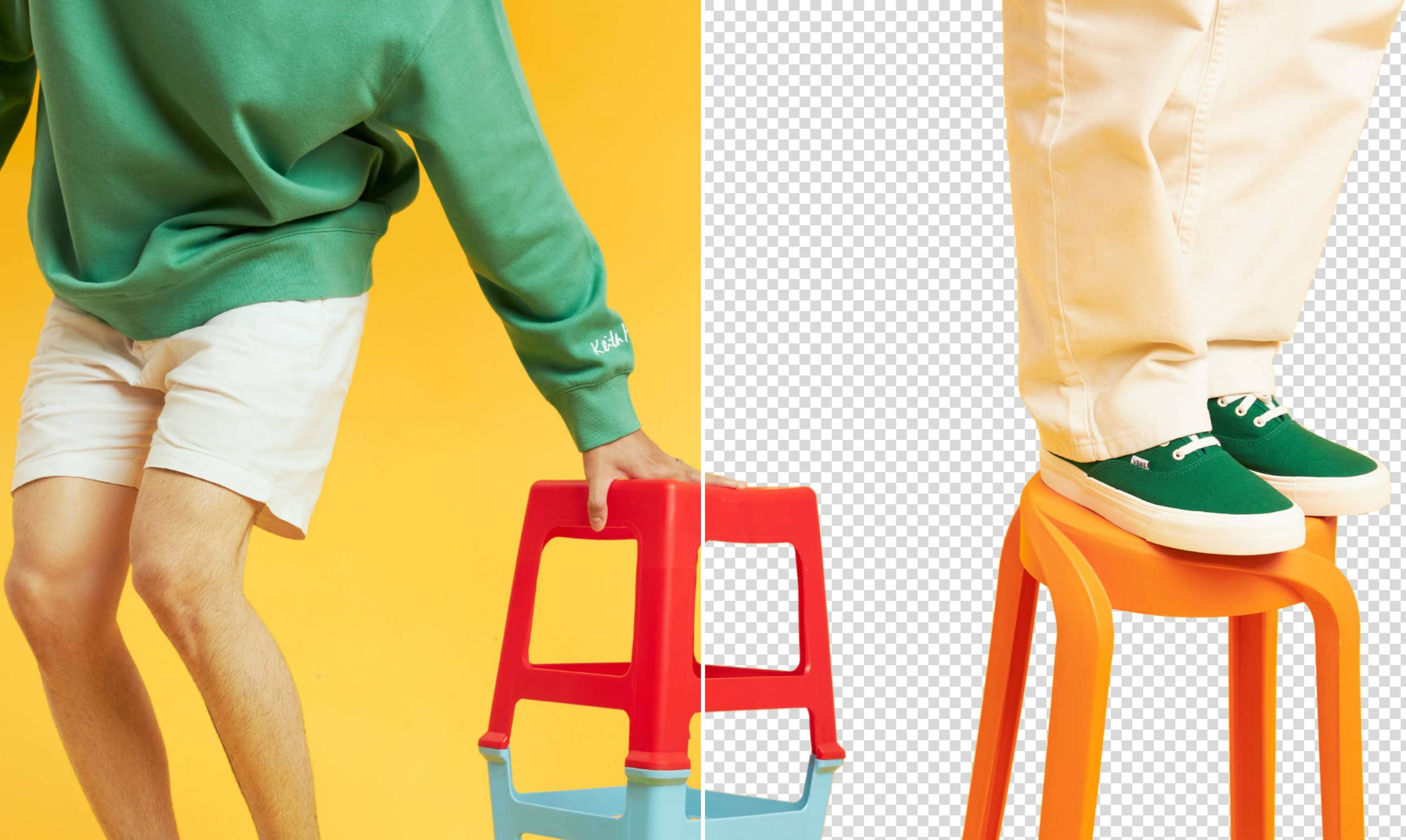
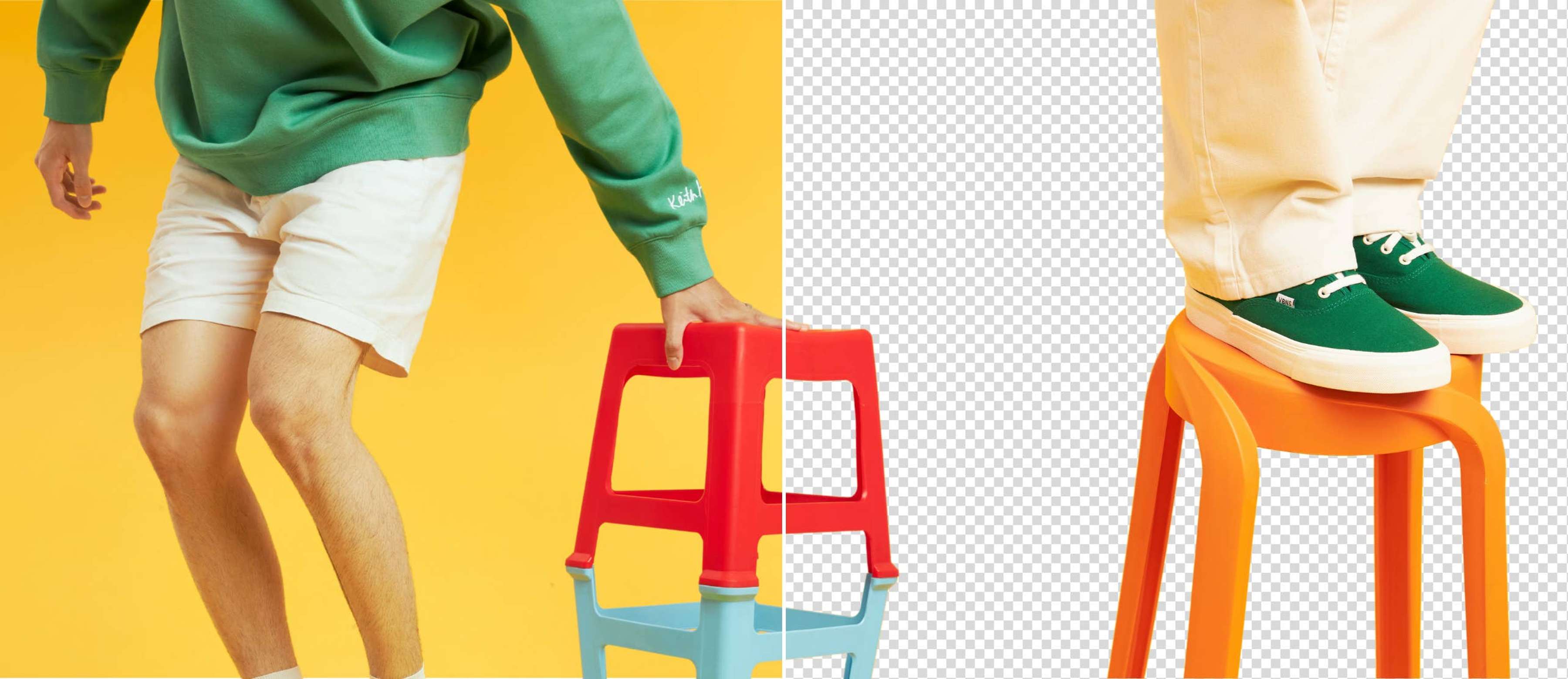
Enjoy instant background removal with Canva’s image cutout tool. In one click, Canva scans your photo and cuts out the background instantly. Try it once for free and get a perfect cutout image in seconds.
or drop it here
Learn about Canva’s upload formats and requirements. See how we use your content in our Privacy Policy.
How to cut the background out of a photo
1
Upload your image
Select the “Upload your image” button or easily drag and drop your files into the section.
2
Edit your design
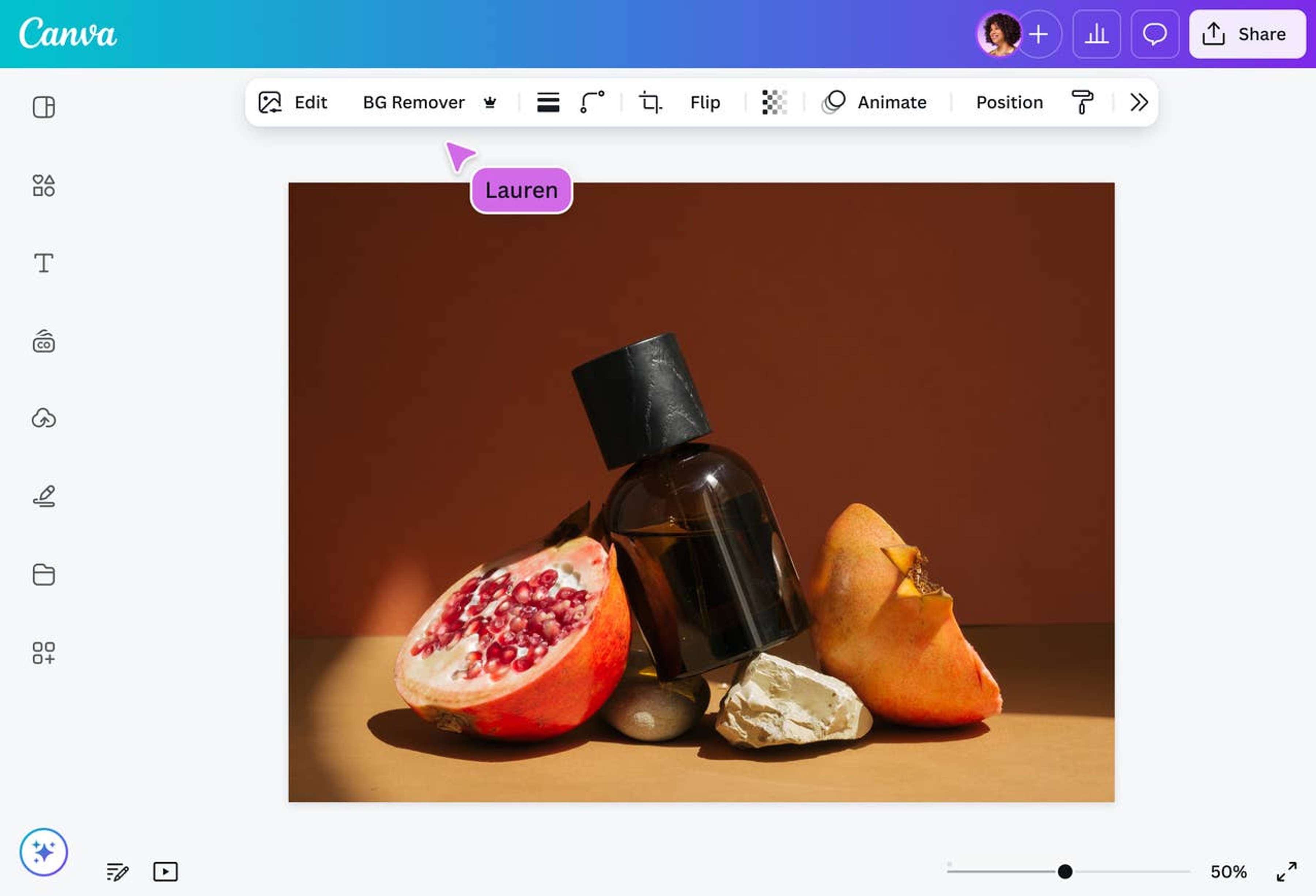
Select “BG Remover” under the Tools options to remove the background and cut out the image in seconds.
3
Download your design
Finally, download your design once for free as a high-resolution PNG file.


One-click background removal
Say goodbye to clunky software, complicated tools, and tedious pixel-by-pixel background erasing. Canva’s instant Background Remover (Pro) lets you clean up images fast, saving you tons of time while giving you pro-level results in a matter of seconds.
Unlimited design possibilities
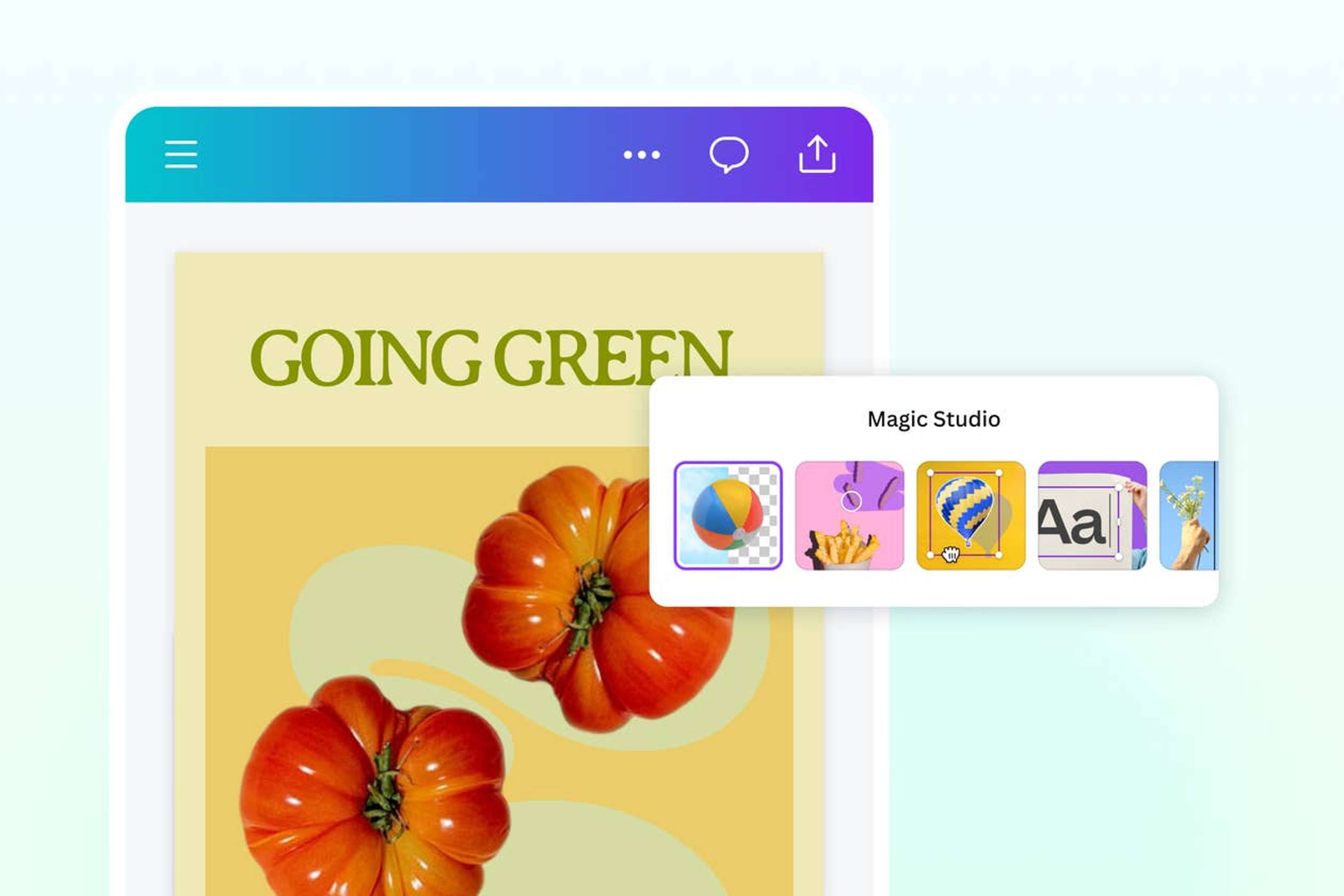
Whether you're creating product shots for your online store, polished headshots for LinkedIn, or crisp visuals for your next big pitch, Canva’s image cutout tool has you covered. Use our BG Remover to clean images up for marketing materials, e-commerce pages, social media, presentations, or even custom merch like greeting cards and stickers.
One tool, all the edits
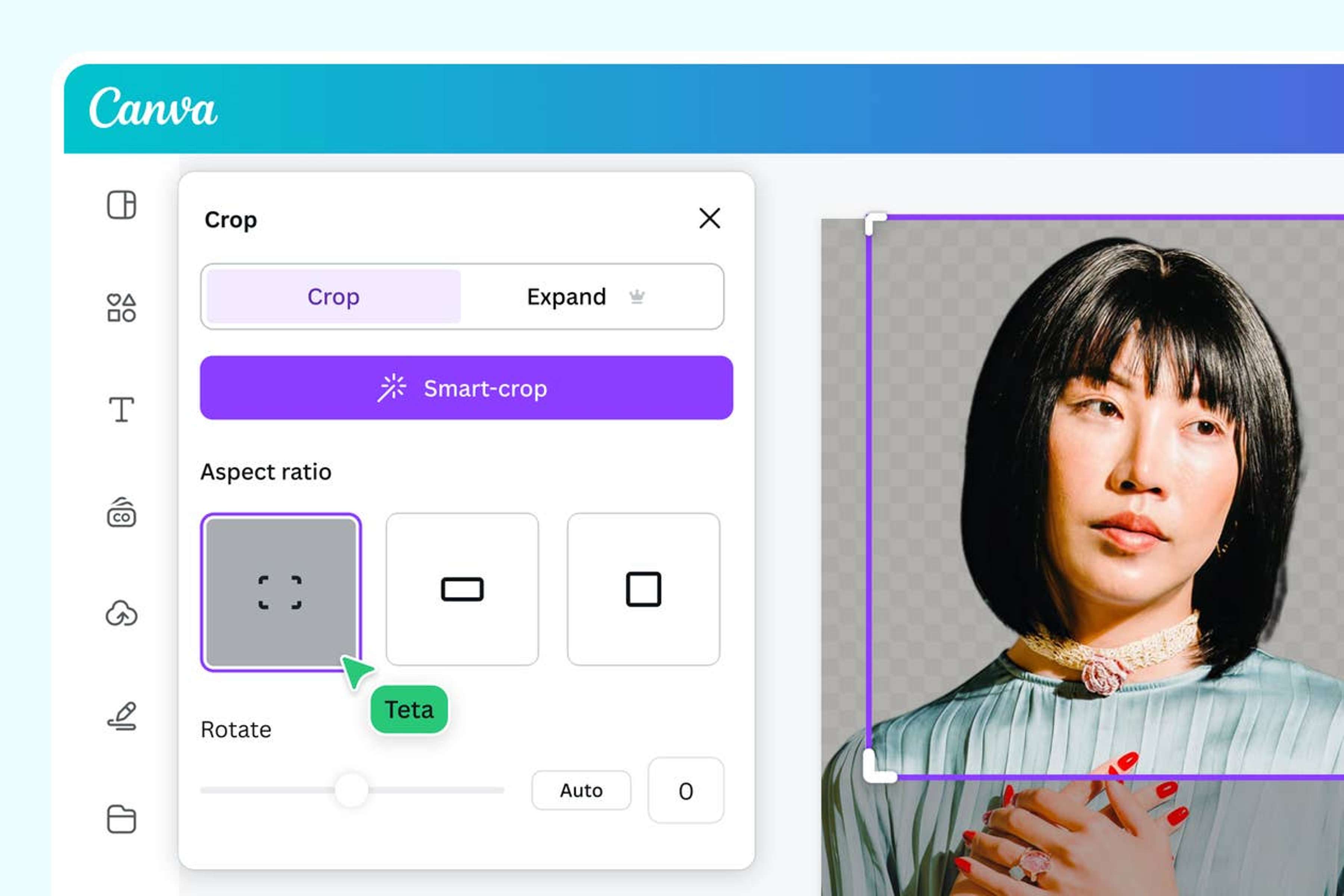
Beyond background removal, Canva’s AI-powered photo editor lets you tweak every part of your image without juggling multiple apps. Rotate, crop, adjust perspective, add text, effects, filters, or instantly enhance your photo—all with a few clicks, on any device, whether you’re on your laptop or editing from your phone.
Create as a team, in real-time
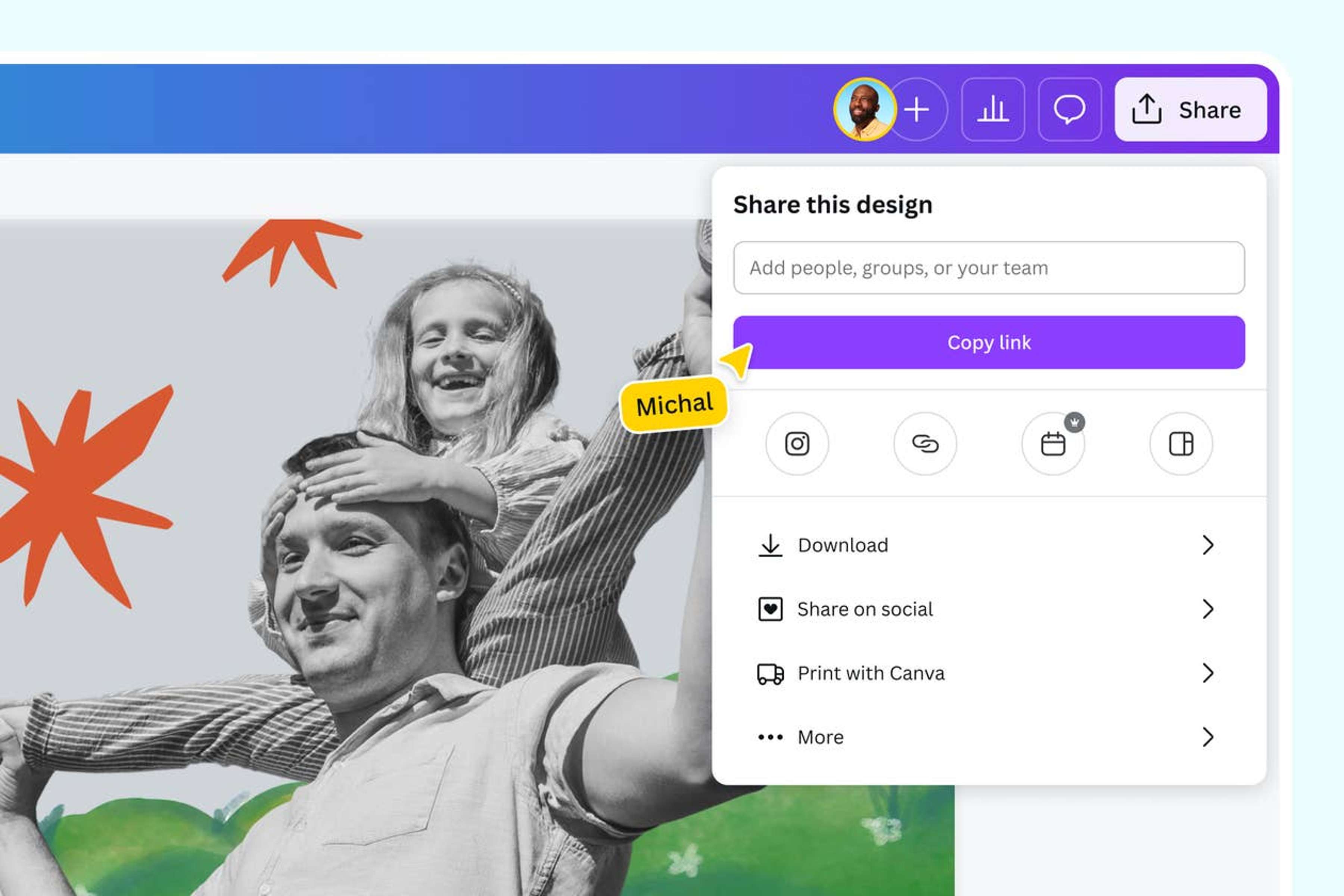
Designing’s more fun with friends (and colleagues). Through a shareable link, Canva lets you invite your team, leave comments, tag members, assign tasks, and collaborate in real-time in one workspace. This means no more endless email chains or lost file versions.
How to cut out an image online
Launch Canva
Open Canva on the app or a web browser. Start a new design project from scratch, or choose a pre-made template from our gallery.Upload your image
Select your file from your device, upload it, or drag and drop it onto the page. Canva will immediately turn your image file into an editable design.Cut out the unwanted background
Select BG Remover from the Tools tab and wait for Canva to scan your image. It will auto cut out the image in seconds.Enhance your design
Go beyond simple background image cutting with our powerful photo editor. You can rotate, crop, adjust the perspective, drag and drop elements, add text, add filters and effects, and more.Download in PNG format
Download your image once for free as a high-resolution PNG file. Share it online or use it for your brand assets, presentations, and other digital design materials.
Frequently asked questions
- An image cutout is a version of a photo where the subject is isolated, and the background is removed. This lets you place the subject onto different backgrounds or designs.