Online Transparent Image Maker
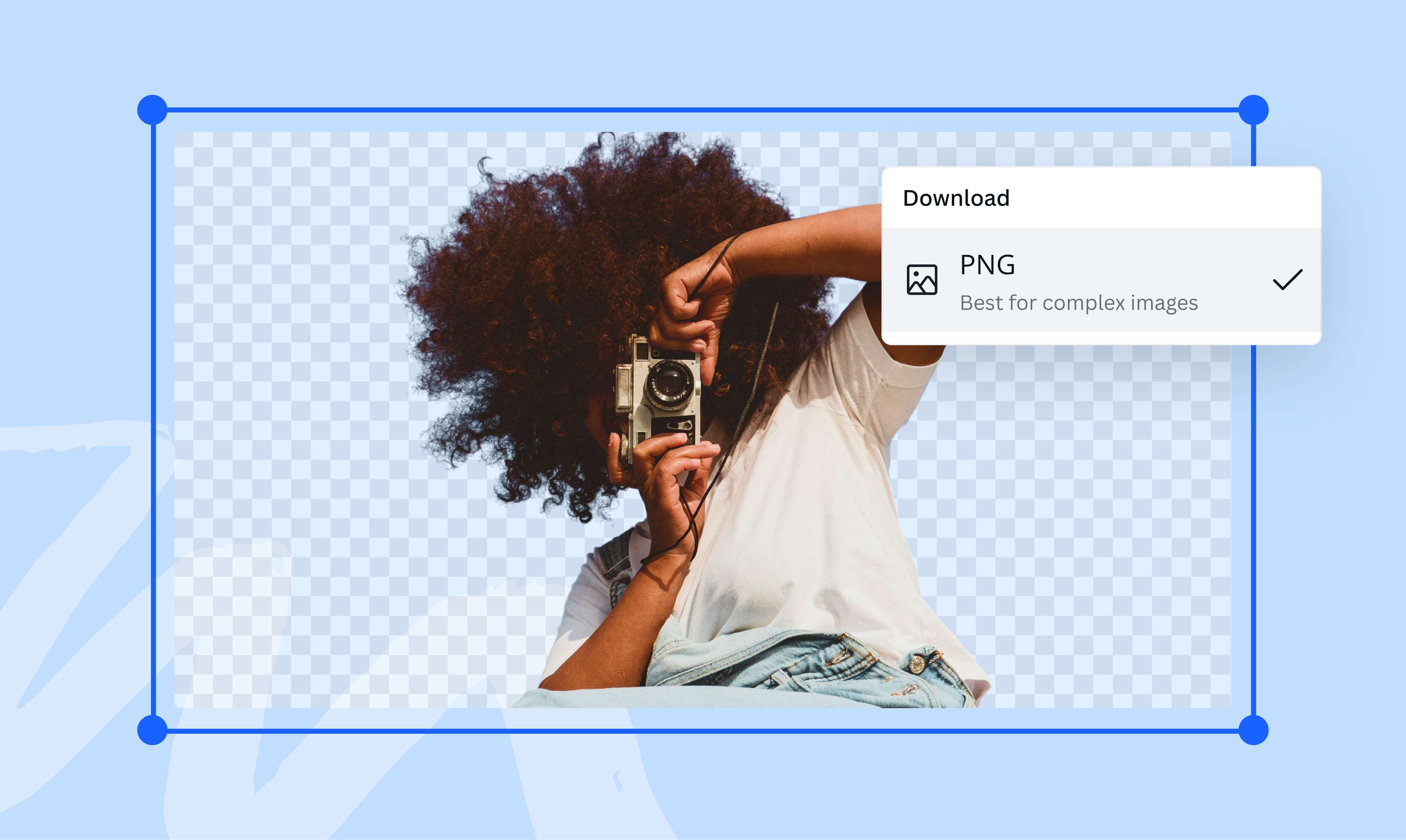
Make your image blend seamlessly with any project with Canva's transparent image background tool. Produce a versatile photo for use across different platforms. Upload an image file, remove the background in one click, and download it instantly as a transparent PNG.
or drop it here
Learn about Canva’s upload formats and requirements. See how we use your content in our Privacy Policy.
How to make an image transparent
1
Upload your image
Select the “Upload your image” button or easily drag and drop your files into the section.
2
Edit your design
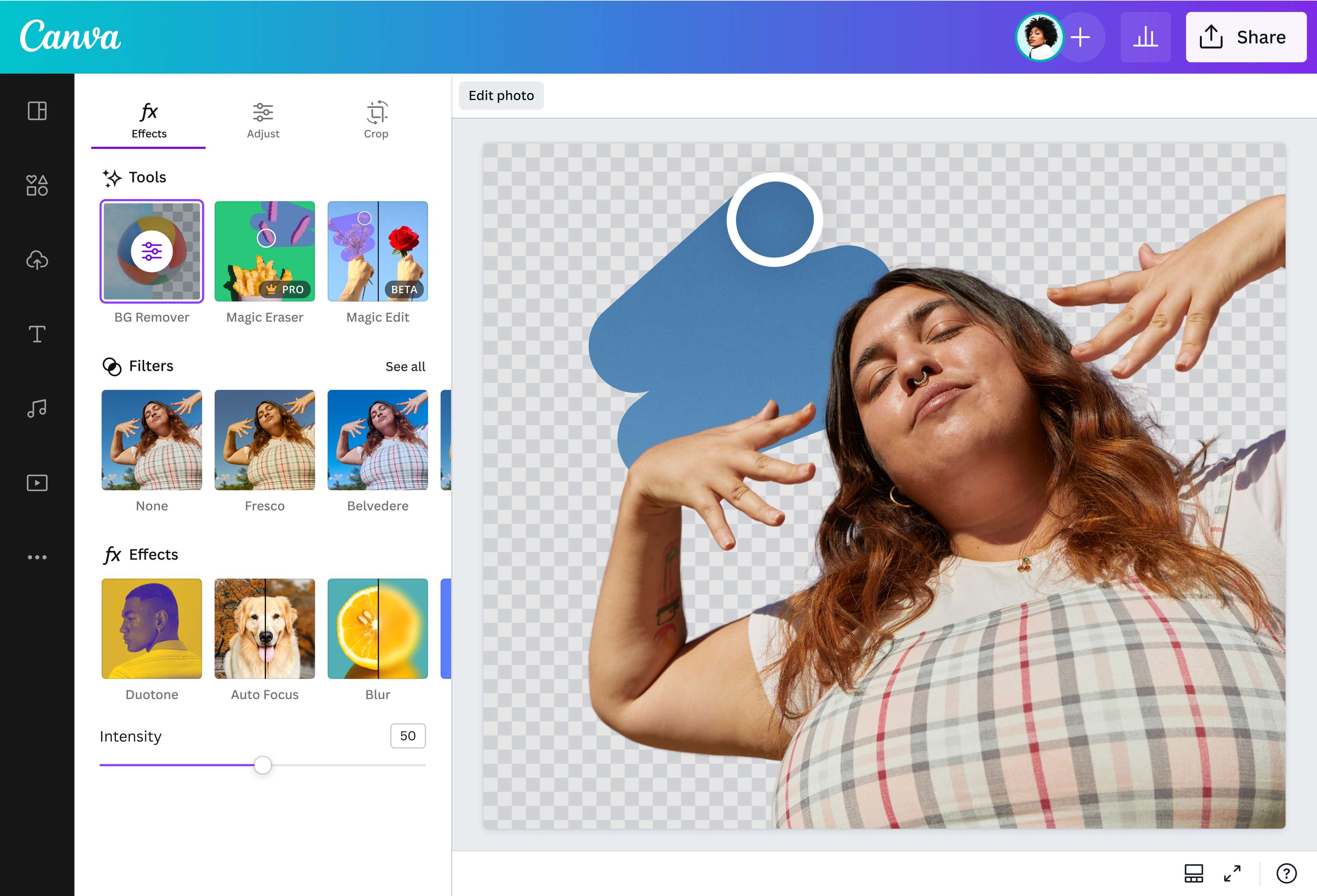
Click “BG Remover” under the Tools options to remove the background of your image in seconds.
3
Download your design
Finally, download your design as a PNG image with a transparent background.


Make images transparent for greater flexibility
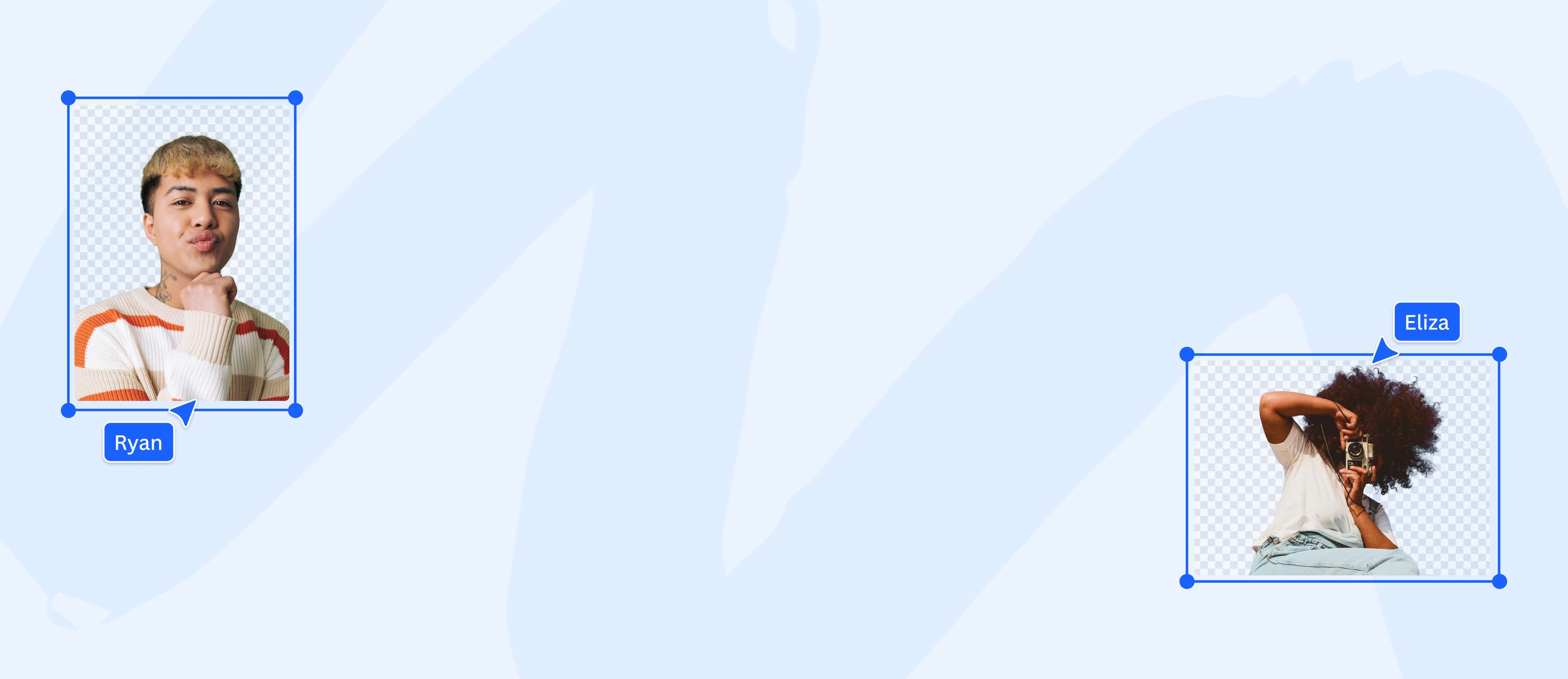
Unlock unlimited design possibilities by making your photo background transparent using Canva’s transparent image maker. Get rid of unwanted distractions, highlight key elements, and layer images effortlessly. Whether crafting a logo, designing a presentation, or developing your website, take advantage of transparent image backgrounds and create designs that truly stand out.
Adjust results for a custom finish
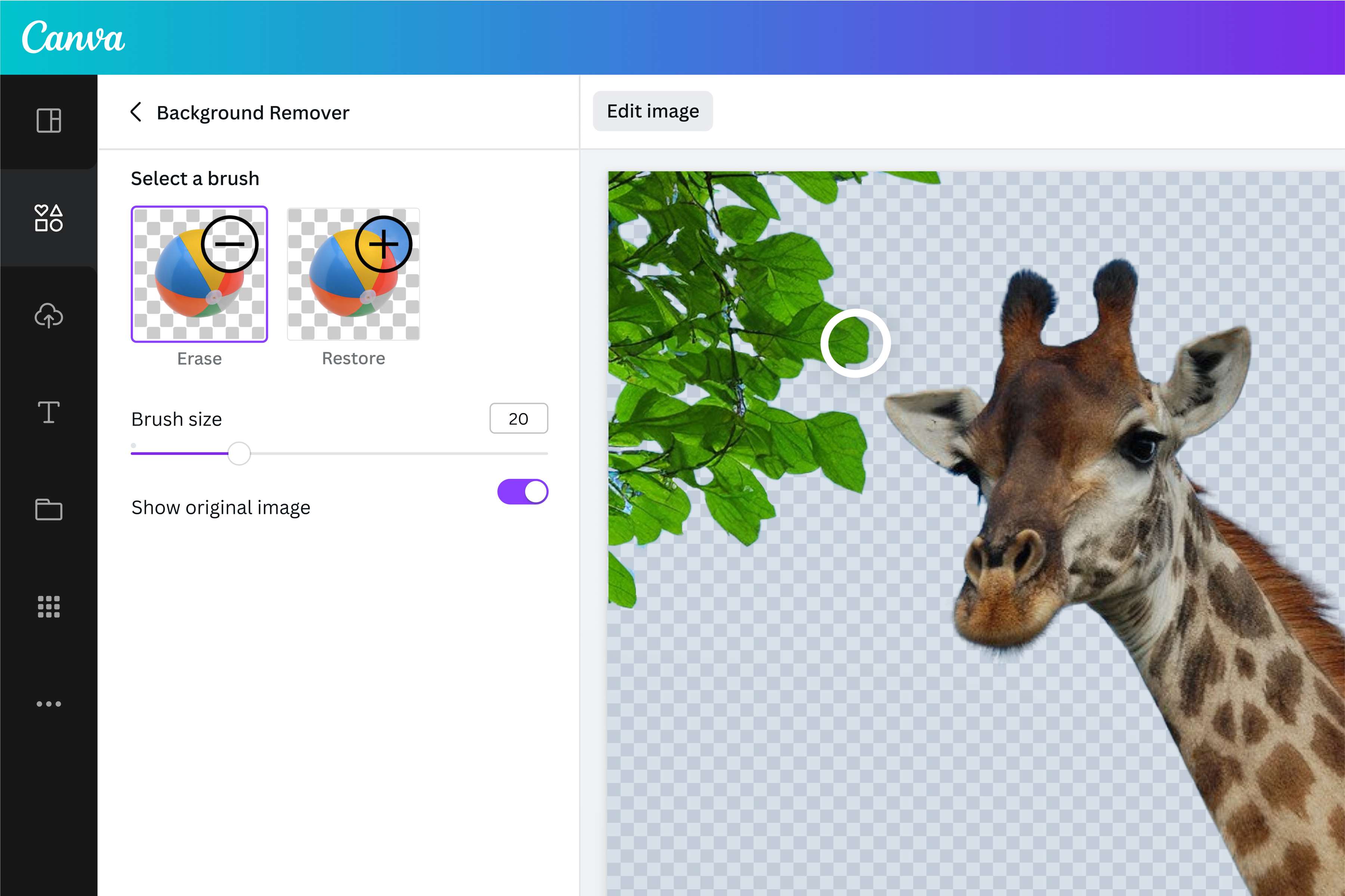
With our transparent image maker, you can fine-tune every detail of your image. Restore essential foreground elements with simple brush strokes, or remove any background fragments for a cleaner look. Need to remove specific details with precision? Use the Pixel Eraser to precisely cut around or remove elements.
Whether polishing your product images, layering photos with text and shapes for social media, or creating custom stickers, make every image work for you with greater control with our online transparent background tool and Pixel Eraser.
Make the most of your transparent images
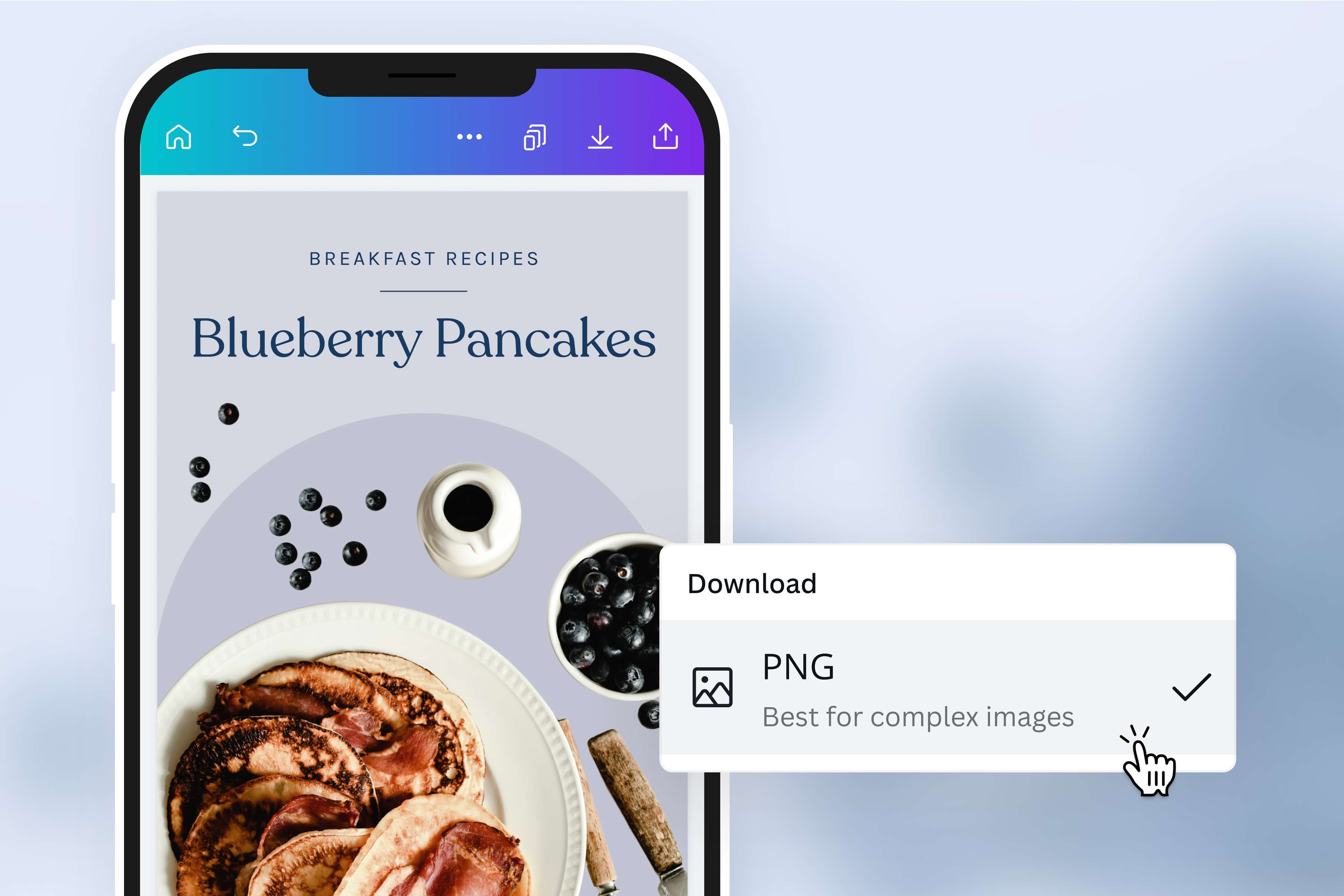
Make your images transparent to maximize your design potential. Alter, resize, or reposition your photo without worrying about background elements affecting your edits. A transparent backdrop blends smoothly with any theme or color scheme, ensuring your visuals always hit the mark. The transparent image maker helps you produce imagery that brings your creative vision to life.
How to make an image transparent
Launch Canva
Open Canva on a web browser or the app. Start a new design project by opening a blank layout or choosing a ready-made template.Upload your image
Select your image file from your device or drag and drop it onto the page. Canva will automatically turn your image into an editable design.Remove the background
Select your image in the online editor and click Edit photo. Under the Tools section, click BG Remover to remove the image background in seconds. Select Configure to adjust the background and foreground for a cleaner, more polished look.Personalize your design
Do more with your image using our intuitive photo editor(opens in a new tab or window). Add text(opens in a new tab or window), apply image enhancements(opens in a new tab or window), or select Transparency and use the slider to give your picture that instant soft overlay effect.Download in PNG format
Save your image as a high-resolution PNG file. Add your image to your marketing collaterals, apply it to your presentations, or use it in an existing Canva design.
Frequently Asked Questions
- Remove the background from any art or picture you have on your layout by clicking BG Remover in our online editor. Then, download your transparent image background in PNG format.